RAM helps local AI load bigger workloads without swapping. NVIDIA VRAM makes local LLM inference faster. This guide separates what to upgrade, what to avoid, and what to check before buying.
The right purchase depends on the bottleneck. RAM gives the system room. GPU VRAM gives CUDA inference room. Apple unified memory is a third case.
Memory type
What it improves
What it does not do
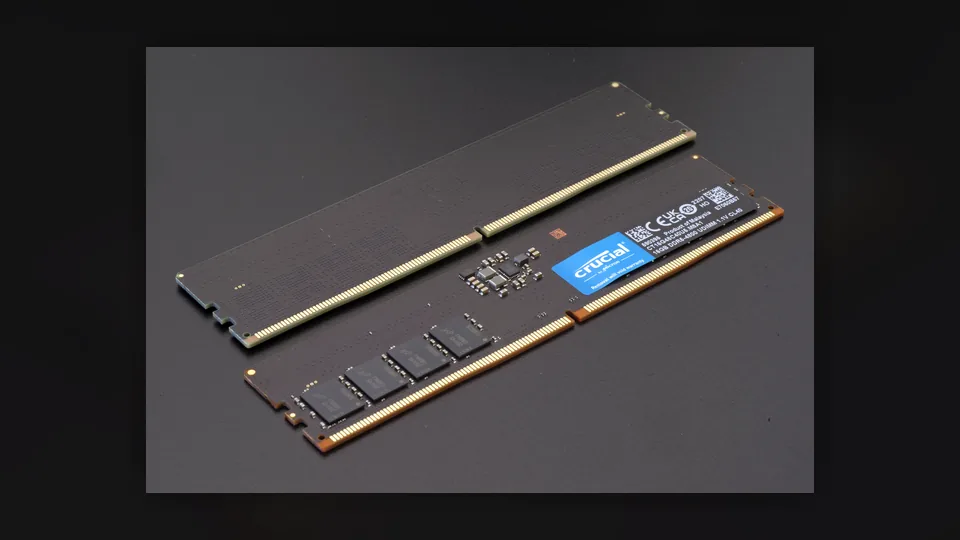
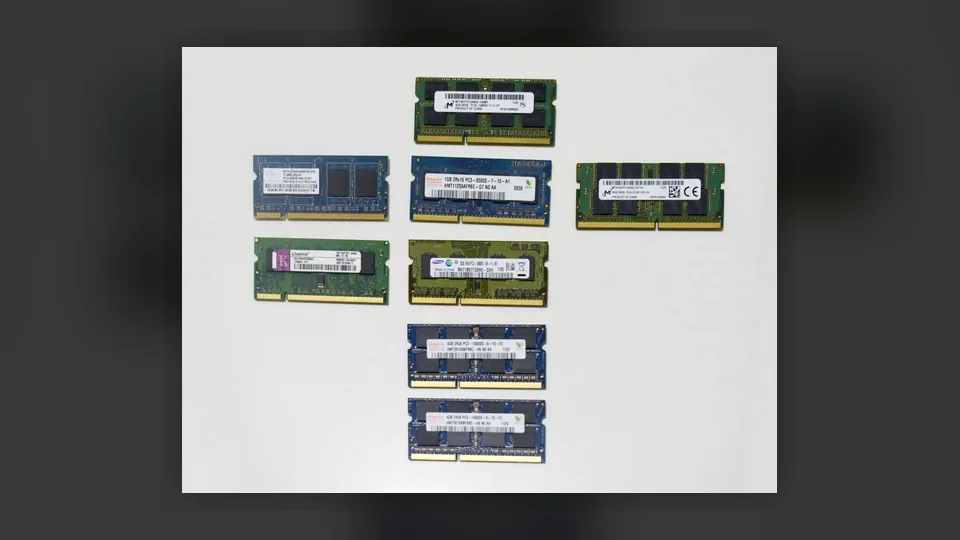
System RAMDDR4, DDR5, laptop SO-DIMM
More room for CPU inference, model loading, RAG indexes, context, browsers and agents.
It does not add VRAM to your NVIDIA GPU.
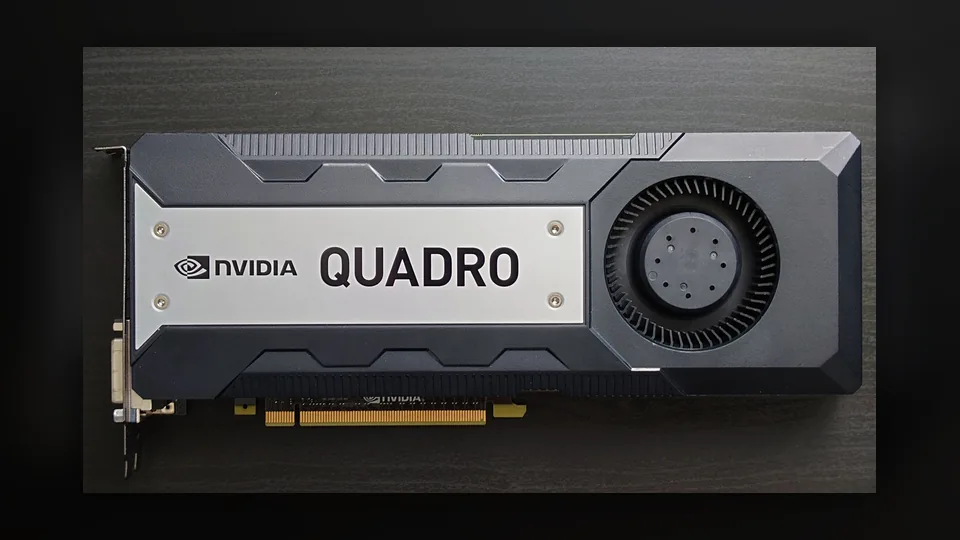
NVIDIA VRAMMemory on the graphics card
Faster local inference when models fit on GPU through CUDA runtimes.
You cannot upgrade VRAM separately. You buy a GPU with more VRAM.
Apple unified memoryMac mini, Mac Studio, MacBook
Shared memory for CPU, GPU and Neural Engine on Apple Silicon.
Not user-upgradable after purchase on Apple Silicon Macs.
// RAM PICKS
RAM upgrades worth checking on Amazon
Use these as buying categories. Check your motherboard or laptop manual before purchase: DDR generation, slot type, maximum capacity and memory QVL matter.
Best desktop sweet spot
DDR5 64GB kit - 2 x 32GB
The clean upgrade target for modern desktops. Enough headroom for local LLMs, LM Studio, a browser, RAG tooling and background agents.
DDR564GB2 DIMMs6000 MT/s target
Best for: most AM5 / Intel DDR5 desktops running 7B, 9B, 14B and some 32B class local models.
Upgrade to 32GB if you only run small models. Jump to 64GB if local AI is a daily workflow.
I have 32GB RAM
64GB is the most practical next step. It helps with RAG, coding agents, browsers and local TTS pipelines.
I have an 8GB GPU
Do not spend more around the same VRAM tier for local LLMs. Move to 16GB+ if buying for AI.
I have no NVIDIA GPU
RAM helps, but NVIDIA CUDA is the cleanest acceleration path for Windows/Linux local LLM users.
I use Apple Silicon
Do not shop for RAM sticks. Use the Mac hardware guides and buy enough unified memory upfront.
I want one simple answer
Desktop PC: 64GB RAM plus a 16GB+ NVIDIA GPU is the practical local AI baseline.
// FAQ
RAM/GPU questions for local AI buyers
Does more RAM increase my VRAM?
No. RAM and VRAM are separate on NVIDIA desktop PCs. More RAM gives the system more room; it does not expand the memory on the graphics card.
Can I upgrade the RAM in a Mac mini M4 or Mac Studio?
No. Apple Silicon Macs use unified memory configured at purchase time. If you need more memory for local AI, choose a higher-memory Mac configuration before buying.
Is 64GB RAM enough for local AI?
For many users, yes. It is a strong desktop sweet spot for local chat, coding assistants, RAG experiments, TTS tools and LM Studio workflows. Bigger models or many concurrent services can justify 96GB or 128GB.
Should I buy 8GB, 12GB or 16GB VRAM?
If local LLMs are the goal, treat 16GB as the serious starting point. 8GB cards can work for small models, but they are a weak upgrade target in 2026 if you are buying specifically for local AI.
Why no exact Amazon prices?
Amazon prices and stock change constantly. Without a live Product Advertising API integration, static prices can become inaccurate. This page uses targeted Amazon searches with affiliate tracking instead.